Understanding UV Coordinates in GLSL
Introduction
UV coordinates are one of the most important concepts in shader programming.
Almost every GLSL shader relies on UV coordinates for:
- positioning
- animation
- textures
- distortion
- procedural patterns
- and screen-space effects.
If you understand UV coordinates well, shader programming becomes dramatically easier.
And once the concept “clicks,” you begin to see how shaders build entire visual worlds mathematically.
What Are UV Coordinates?
UV coordinates are normalized coordinate values used to describe positions across a surface or screen.
Instead of using pixel positions like:
1920 x 1080
UV coordinates typically range from:
0.0 → 1.0
This creates a resolution-independent coordinate system.
Why Are They Called “UV”?
In graphics programming:
- X and Y are often used for geometry positions
- so texture/surface coordinates traditionally use:
U and V
Think of:
- U = horizontal axis
- V = vertical axis
Basic UV Setup
One of the most common lines in GLSL is:
vec2 uv = fragCoord.xy / iResolution.xy;
This converts pixel coordinates into normalized UV coordinates.
Breaking It Down
fragCoord
Represents the current pixel position.
Example:
(960, 540)
iResolution
Represents the screen resolution.
Example:
(1920, 1080)
Division
Dividing the pixel position by screen size converts the values into:
0.0 → 1.0
So:
- left edge = 0.0
- right edge = 1.0
- bottom = 0.0
- top = 1.0
Visualizing UV Space
Imagine the screen as a coordinate grid.
Bottom-left corner
(0.0, 0.0)
Center
(0.5, 0.5)
Top-right corner
(1.0, 1.0)
UV space allows shaders to work consistently regardless of screen resolution.
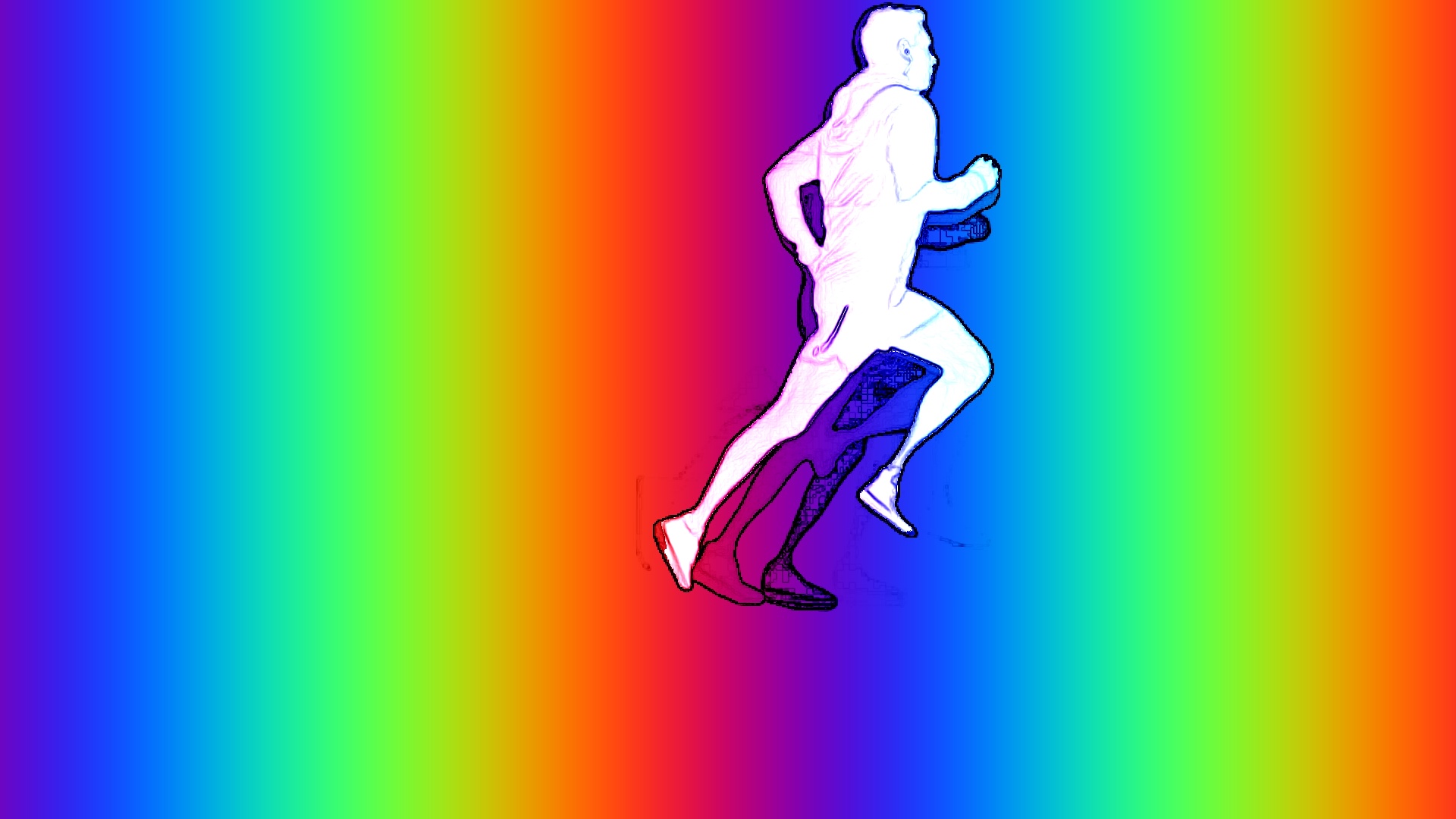
Simple UV Gradient Example
void mainImage(out vec4 fragColor, in vec2 fragCoord)
{
    vec2 uv = fragCoord.xy / iResolution.xy;

    fragColor = vec4(uv.x, uv.y, 0.5, 1.0);
}
This creates:
- red increasing horizontally
- green increasing vertically
- blue remaining constant.
The result is a smooth screen-space gradient.
Centering UV Coordinates
Often, shaders work better when UV space is centered.
Example:
vec2 uv = fragCoord.xy / iResolution.xy;
uv = uv * 2.0 - 1.0;
Now:
- center = (0,0)
- left = -1
- right = +1
- bottom = -1
- top = +1
This makes:
- symmetry
- rotation
- distance calculations
- and procedural effects
much easier.
Aspect Ratio Correction
Without correction, circles may appear stretched.
To fix this:
uv.x *= iResolution.x / iResolution.y;
This compensates for widescreen resolutions.
UV Coordinates And Textures
UVs are heavily used for texture sampling.
Example:
vec3 col = texture(iChannel0, uv).rgb;
The texture is sampled using UV coordinates.
This allows:
- images
- video
- noise
- feedback buffers
- and procedural textures
to map across the screen.
UV Distortion
One of the most powerful shader techniques is UV distortion.
Instead of sampling textures normally:
texture(iChannel0, uv)
you modify the UVs first.
Example:
uv.y += sin(uv.x * 10.0 + iTime) * 0.05;
This creates:
- waves
- ripples
- liquid motion
- and psychedelic distortion.
Repeating Patterns With UVs
Using functions like:
- fract()
- mod()
- floor()
you can tile patterns infinitely.
Example:
vec2 gv = fract(uv * 10.0);
This divides UV space into repeating cells.
Very common in:
- grids
- procedural textures
- sci-fi interfaces
- and generative art.
Polar Coordinates
UVs can also be converted into:
- angle
- and distance.
Example:
float angle = atan(uv.y, uv.x);
float dist = length(uv);
This enables:
- spirals
- tunnels
- radial patterns
- kaleidoscopes
- and vortex effects.
Animation Using UVs
UVs become especially powerful when combined with time.
Example:
uv.x += iTime * 0.2;
This scrolls the UVs horizontally.
Used for:
- flowing textures
- moving backgrounds
- tunnels
- starfields
- and procedural motion.
UV Coordinates In Audio Reactive Shaders
Audio reactive shaders often distort UVs using music data.
For example:
float bass = texture(syn_Spectrum, 0.05).g;

uv += sin(uv.yx * 8.0 + iTime) * bass * 0.05;
This causes the screen to pulse and distort with bass frequencies.
Why UV Coordinates Matter So Much
UV coordinates are the foundation of:
- screen-space rendering
- procedural graphics
- texture mapping
- distortion
- raymarching
- post-processing
- and generative animation.
They are essentially the “canvas coordinates” of shader programming.
Understanding UVs deeply unlocks a huge portion of GLSL.
Common Beginner Mistakes
Forgetting Aspect Ratio Correction
Causes stretched visuals.
Confusing Pixel Space And UV Space
Pixel coordinates are resolution-dependent.
UV coordinates are normalized.
Distorting UVs Too Aggressively
Large UV distortion can:
- tear textures
- create artifacts
- or cause instability.
Final Thoughts
Nearly every shader begins with UV coordinates.
They define:
- where things appear
- how textures map
- how effects distort
- and how visuals animate across the screen.
At first, UV math can feel abstract.
But over time, you begin to think of shaders less as “drawing pixels” and more as:
manipulating coordinate space itself.
And that’s where shader programming becomes truly powerful.